
Miguo. Your Personal Painting Assistant.
Say goodbye to tedious tasks.
Line Art
Line Art Coloring
Shadow & Highlight
Pose Gen
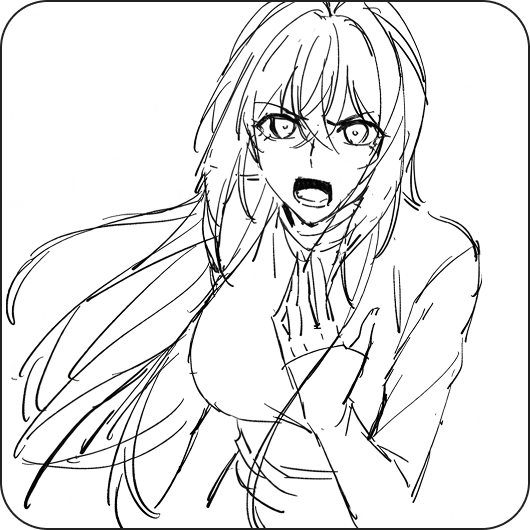
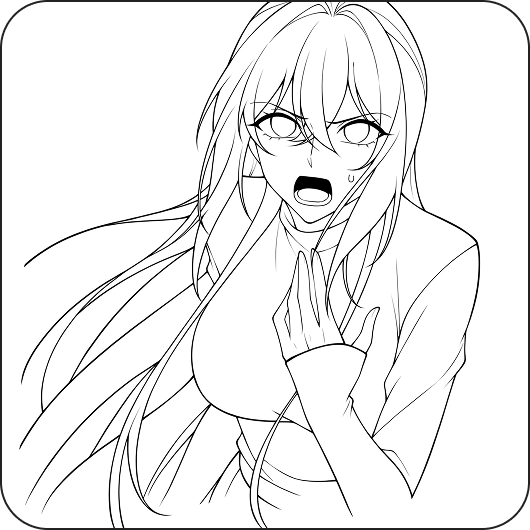
Let Miguo handle your line art. Cleaning stray lines, repairing breaks, and preserving details. Focus on creativity.
Lower the barrier to entry. Work smarter.
Miguo Painting Assistant is designed by professionals to fit artists' habits. No need to install complex software or face complicated parameters. Open your browser and start creating.
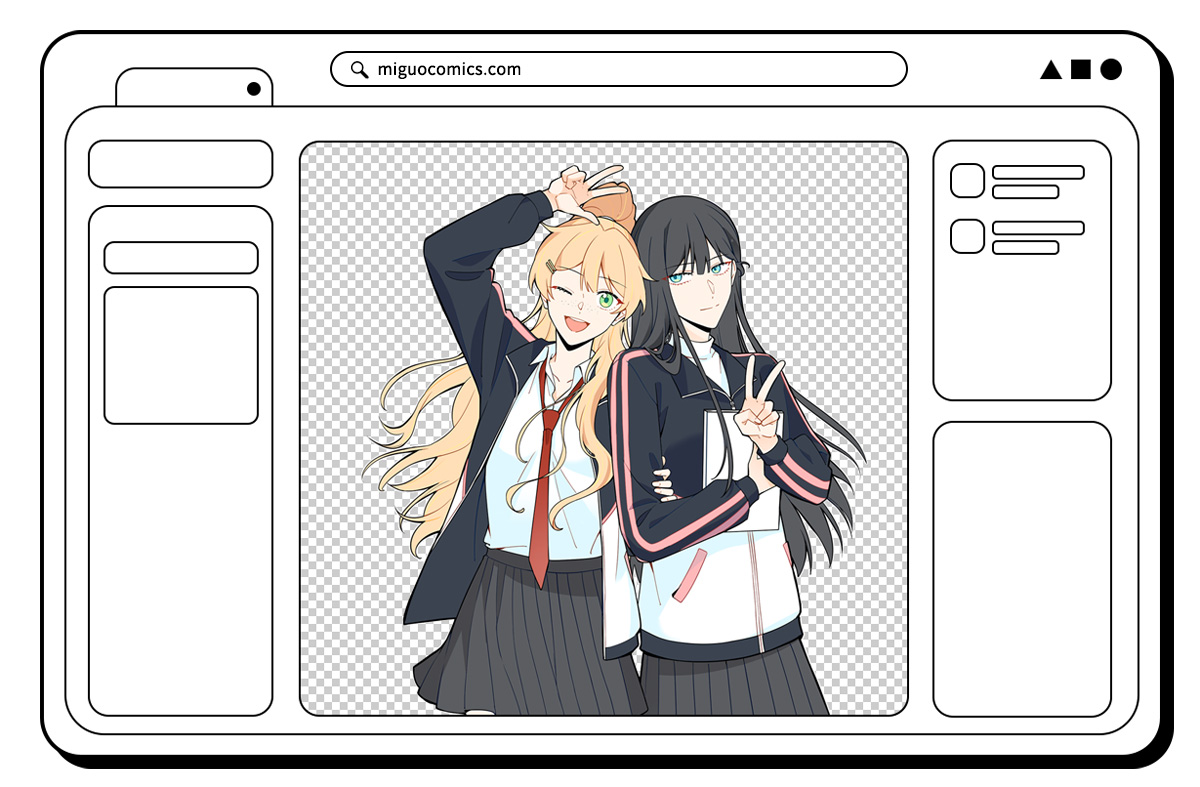
Progressive layered assistance. Modifications never be this easy.
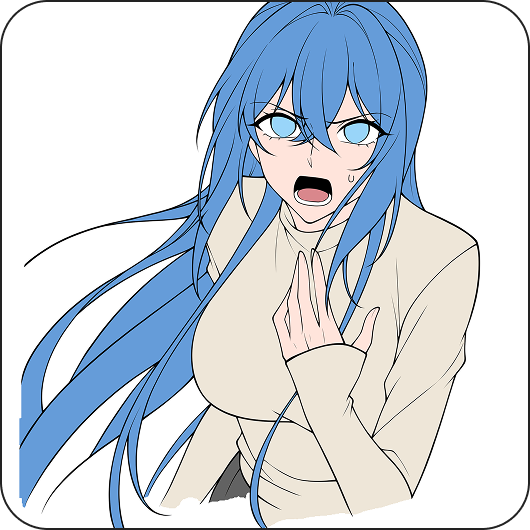
Miguo Painting Assistant breaks down the painting creation process, with each step outputted in separate layers and can be saved as PSD files, achieving freedom in layer editing and quickly integrating into your workflow.
Miguo. Empowers Creations.
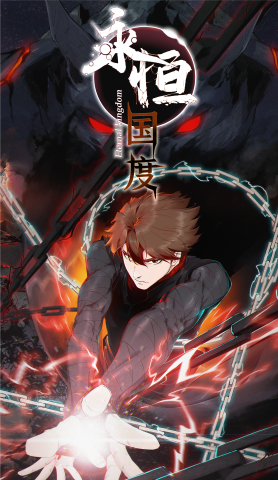
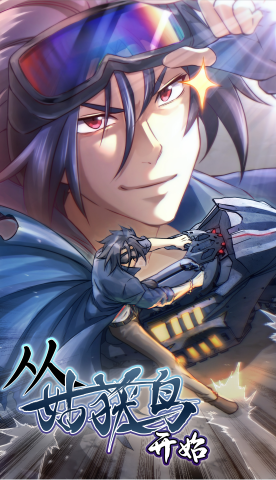
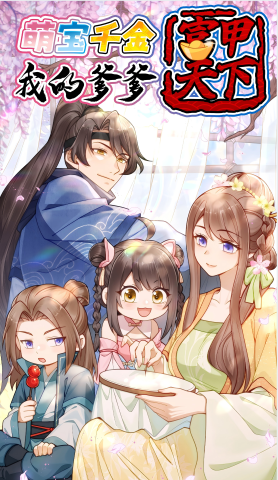
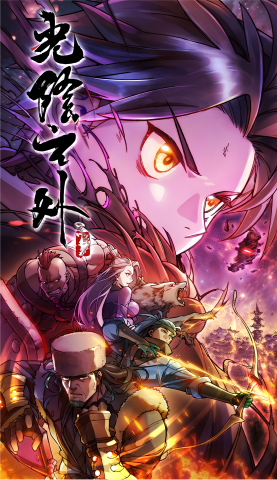
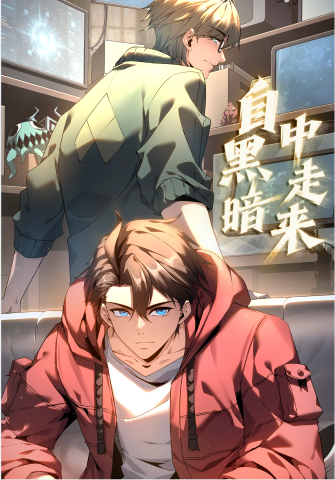
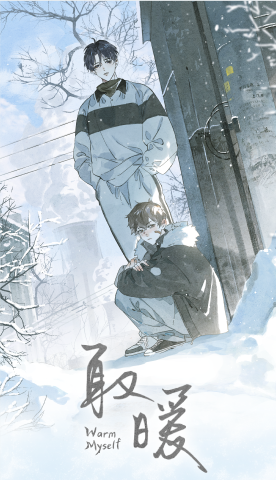
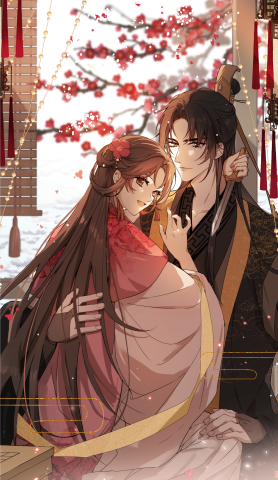
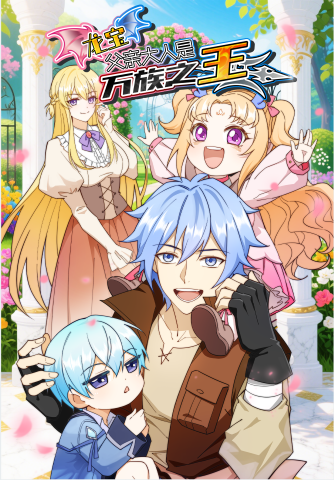
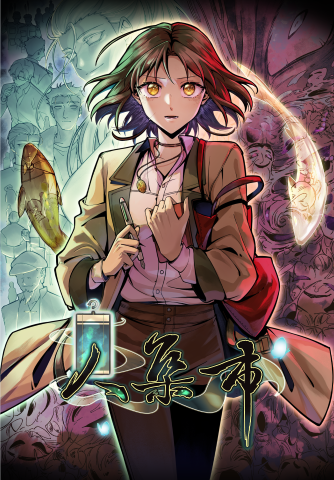
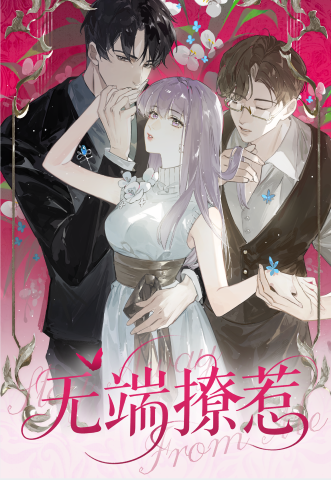
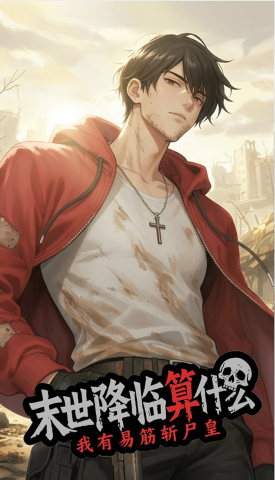
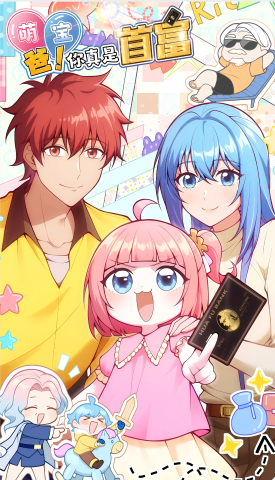
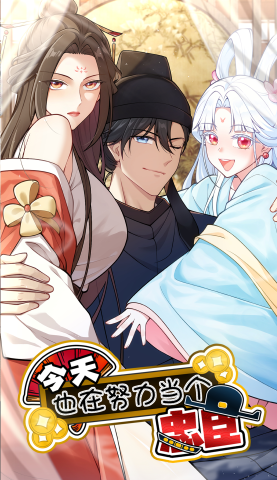
Works created with Miguo Painting Assistant have accumulated over ten million views.
Creator Voices
The shadow feature lets me choose the lighting direction, which is very helpful for a beginner like me. Even if I can't use it directly, I can reference its lighting approach and modify it. Much easier than drawing from scratch.
Reference-based coloring is surprisingly good. It roughly fills in the colors for me, so I can quickly see the result and then adjust from there.
I feel it's not replacing me, but truly helping me with those tedious and repetitive steps.
As a newbie, even messy drafts can generate quality line art, which gives me a sense of accomplishment. At least I can keep drawing without getting stuck at the draft stage.
The line art generation isn't perfect, but it still helps. I usually let it run a version first, then modify it myself. Overall, it does save some time.
I really like the separate layer output. With line art, shadows, and colors separated, I can fine-tune each layer individually. It's not as uncontrollable as one-click generation.
Honestly, there are still imperfections, but it genuinely helps reduce part of my workload. And after using it for a while, I can see improvements with each update.
The color zoning feature is very practical. Although there are spots it misses or gets wrong, it's still much faster than manual selection. As a base for flat coloring, it lets me get to the details faster.
The shadow feature lets me choose the lighting direction, which is very helpful for a beginner like me. Even if I can't use it directly, I can reference its lighting approach and modify it. Much easier than drawing from scratch.
Reference-based coloring is surprisingly good. It roughly fills in the colors for me, so I can quickly see the result and then adjust from there.
I feel it's not replacing me, but truly helping me with those tedious and repetitive steps.
As a newbie, even messy drafts can generate quality line art, which gives me a sense of accomplishment. At least I can keep drawing without getting stuck at the draft stage.
The line art generation isn't perfect, but it still helps. I usually let it run a version first, then modify it myself. Overall, it does save some time.
I really like the separate layer output. With line art, shadows, and colors separated, I can fine-tune each layer individually. It's not as uncontrollable as one-click generation.
Honestly, there are still imperfections, but it genuinely helps reduce part of my workload. And after using it for a while, I can see improvements with each update.
The color zoning feature is very practical. Although there are spots it misses or gets wrong, it's still much faster than manual selection. As a base for flat coloring, it lets me get to the details faster.
Let Miguo assist you throughout your painting process
 Line Art
 Coloring
 Lighting
 Line Art
 Coloring
 Lighting

No worries.
We source data through legitimate channels and obtain authorization, accumulating a large amount of real work data to bring better results.